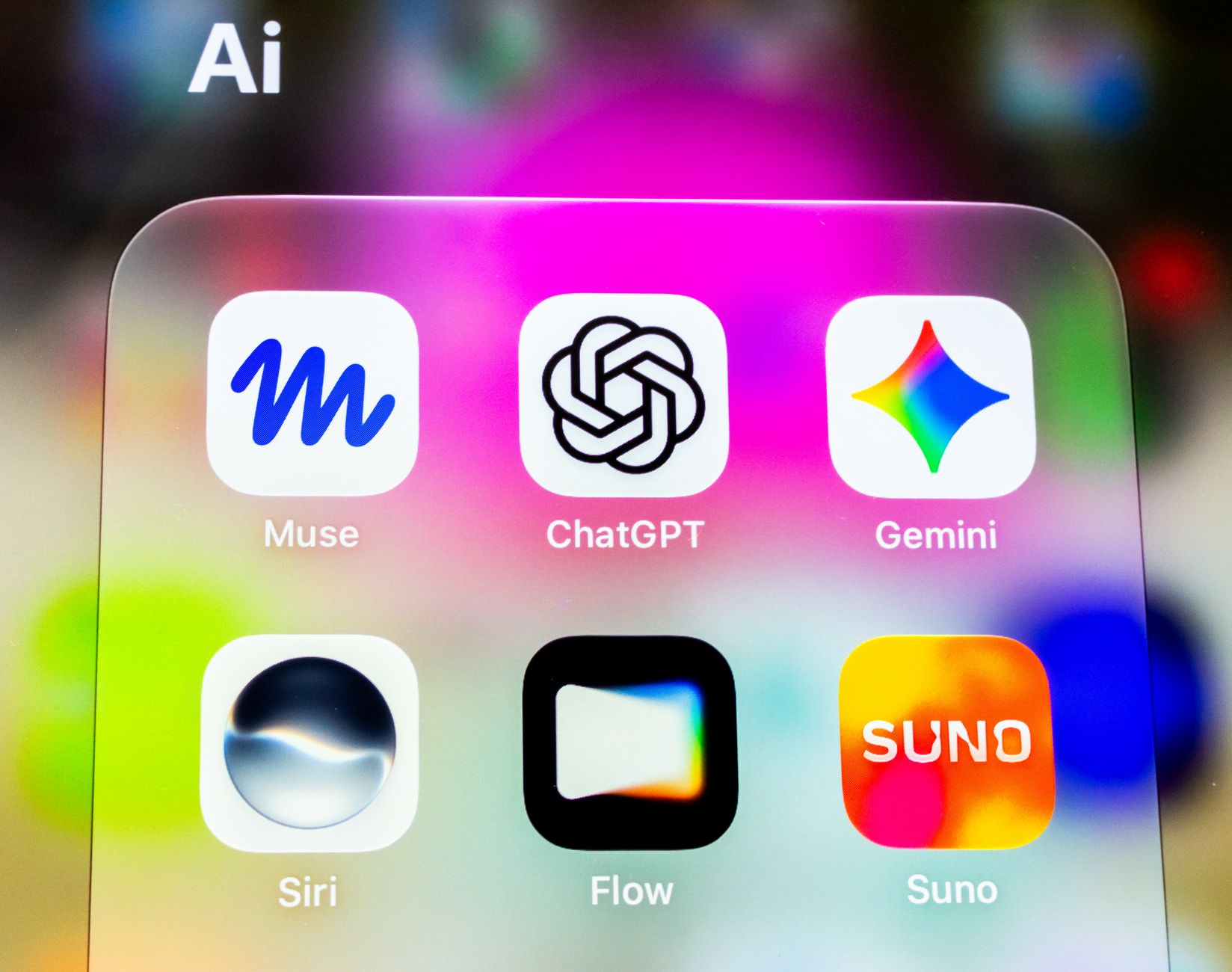
Meta Spaces Muse app is revolutionizing how users build interactive AI tools. This innovative feature allows for customization and creativity in AI applications, making it an exciting development for tech enthusiasts.
What is Meta Spaces in the Muse app?
The Meta Spaces Muse app is a groundbreaking platform designed to enhance user interaction with artificial intelligence. It allows users to create customized environments, known as “Spaces,” where they can engage with AI in innovative ways. This feature is particularly appealing for developers and content creators who want to build tailored interactive experiences.
With the Meta Spaces Muse app, users can:
- Design custom AI tools: Users can create unique functionalities that cater to specific needs, making the interaction more relevant and engaging.
- Collaborate with others: The app promotes teamwork by enabling multiple users to work on Spaces simultaneously, fostering creativity and innovation.
- Access a library of resources: It includes templates and pre-built components, allowing users to jumpstart their projects without starting from scratch.
Overall, the Meta Spaces Muse app stands out as a versatile tool that empowers users to create interactive AI experiences tailored to their preferences. As the app continues to evolve, it may redefine how we interact with artificial intelligence and other digital tools.
How does the Muse app enhance AI tools?
The Meta Spaces Muse app offers a range of features designed to enhance user interaction with AI tools. By integrating customizable spaces, users can create tailored environments that cater to specific needs and preferences. This flexibility allows individuals and organizations to develop interactive AI tools that align with their objectives.
One of the key enhancements provided by the Muse app is its user-friendly interface, which simplifies the process of designing and deploying AI-driven solutions. Users can easily navigate through various options, selecting components that best fit their requirements. The app also supports collaborative projects, enabling teams to work together in real-time, fostering creativity and innovation.
Additionally, the Muse app incorporates advanced AI algorithms that improve the performance and responsiveness of the tools created. This results in a more engaging experience for users, as the AI adapts to specific tasks and user inputs. The incorporation of feedback mechanisms further refines the interactive capabilities of these tools, making them more efficient over time.
In summary, the Meta Spaces Muse app significantly enhances the functionality of AI tools, positioning itself as a leading choice for those seeking interactive solutions.
Benefits of using Meta Spaces for customization
The introduction of the Meta Spaces Muse app brings a host of benefits for users looking to customize their interactive AI tools. By utilizing this innovative feature, individuals can tailor their experiences to meet specific needs and preferences.
Some key benefits of using Meta Spaces for customization include:
- Personalization: Users can create unique environments that reflect their interests and goals, enhancing engagement and satisfaction.
- Flexibility: The app allows for dynamic changes, enabling users to adapt their tools as their requirements evolve over time.
- Collaboration: Meta Spaces encourages teamwork by allowing multiple users to co-create and share their customizations, fostering a sense of community.
- Enhanced Functionality: The ability to integrate various AI features means users can build tools that are not only interactive but also highly functional, catering to diverse tasks.
Overall, the Meta Spaces Muse app stands out as a powerful platform for those seeking to leverage AI technology in a way that is both engaging and customized to their individual or collective needs.
User experiences with Meta Spaces
User experiences with the Meta Spaces Muse app have been largely positive, with many users praising its innovative features. The ability to create custom interactive AI tools has captivated a diverse audience ranging from educators to content creators.
Many users highlight the app’s user-friendly interface, which makes it accessible even for those with limited technical skills. Some users reported that they were able to develop interactive experiences within minutes, allowing them to focus on creativity rather than technical details.
In addition to ease of use, the Meta Spaces Muse app offers a variety of templates and assets that help users tailor their projects to specific needs. This customization capability has been particularly appreciated by professionals who seek unique solutions for their clients.
Feedback also points to the vibrant community that has emerged around the app. Users regularly share their creations, provide tips, and collaborate on projects, enhancing the overall experience.
- Customizable templates
- User-friendly design
- Active community support
These factors contribute to a growing enthusiasm for the Meta Spaces Muse app as a leading interactive AI tool.
Comparing Meta Spaces to other AI tools
When evaluating the Meta Spaces Muse app against other AI tools, several factors come into play, including customization options, user experience, and functionality. Unlike traditional AI tools that offer a one-size-fits-all approach, Meta Spaces allows users to create tailor-made interactive experiences. This feature sets it apart from competitors.
Here are some aspects to consider in the comparison:
- Customization: Meta Spaces provides a unique level of adaptability, enabling users to modify AI interactions to suit their needs.
- User Engagement: The app enhances user engagement through interactive elements that foster a more immersive experience.
- Ease of Use: While some AI tools require extensive technical skills, the Muse app’s intuitive interface makes it accessible to a broader audience.
- Integration: Meta Spaces integrates seamlessly with other platforms, enhancing its versatility compared to other tools.
- Community Support: The active community surrounding the Muse app fosters collaboration and sharing of best practices, enriching the overall experience.
In summary, while many AI tools offer valuable features, the Meta Spaces Muse app stands out for its customization and user-centric design.
Future of interactive AI with Meta
The future of interactive AI appears promising with the introduction of the Meta Spaces Muse app. As technology continues to evolve, this innovative tool is set to redefine user engagement in digital environments. The Muse app allows users to create tailored AI experiences that cater to individual preferences, making interaction more intuitive and personalized.
One of the standout features of the Meta Spaces Muse app is its ability to integrate seamlessly with various applications, enhancing functionality and user satisfaction. By leveraging advanced algorithms and user feedback, the app continually improves its offerings, ensuring that it remains relevant in a fast-paced digital landscape.
Furthermore, as more creators and businesses adopt the Meta Spaces Muse app, we can expect a surge in innovative applications across different industries. From education to entertainment, the potential for customized interactive experiences is vast. The focus on user-centric design and adaptability positions the Muse app as a frontrunner in the realm of AI tools.
In conclusion, the Meta Spaces Muse app not only represents a leap forward in interactive AI but also sets the stage for future advancements that will further enhance user experience and engagement.
Getting started with the Muse app
Getting started with the Muse app is a straightforward process designed to encourage creativity and exploration. Upon launching the app, users are greeted with an intuitive interface that guides them through the various features available in Meta Spaces.
To begin, users need to create an account, which allows them to save their projects and access customizations. Once registered, users can:
- Explore pre-built templates: The Muse app offers a variety of templates that serve as starting points for creating personalized interactive AI tools.
- Utilize the customization options: Users can tailor their experiences by adjusting settings such as themes, functionality, and user interactions.
- Engage with AI: The Muse app utilizes advanced algorithms to enhance user interaction, allowing for real-time feedback and suggestions.
- Share creations: Completed projects can be easily shared with others, fostering collaboration and inspiration within the community.
With its user-friendly setup and powerful features, the Meta Spaces Muse app positions itself as a strong contender in the realm of interactive AI tools, appealing to both novice users and seasoned developers alike.
Expert opinions on Meta’s new feature
Experts in the field of artificial intelligence have shared their insights on the Meta Spaces Muse app, highlighting its potential to revolutionize user interaction with AI tools. Many agree that the app’s unique features foster a more personalized experience, allowing users to create tailored interactive environments.
According to Dr. Emily Chen, a leading AI researcher, “The customization options offered by Meta Spaces in the Muse app are groundbreaking. They encourage creativity and enhance user engagement.” This sentiment is echoed by technology analyst Mark Thompson, who stated, “The ability to build your own interactive AI tools sets the Muse app apart from competitors. It empowers users to explore AI capabilities in ways we have not seen before.”
Some experts also caution about the learning curve associated with the new feature. “While the potential is vast, users may initially find the interface complex,” noted Sarah Lewis, a digital innovation consultant. However, she adds, “Once mastered, the benefits can significantly outweigh these challenges.”
Overall, expert opinions suggest that the Meta Spaces Muse app could indeed become a leading tool in interactive AI, provided that users embrace its innovative approach.
Photo by Caleb Oquendo on Pexels